Tama Life for iPhone
A companion that feels how you're doing.
Tama reads your sleep, heart and movement from Apple Health and turns them into one small creature in its room. When last night was short or the day ran hot, you'll see it on Tama's face — and it'll tell you why.
Free. Better with an Apple Watch.


Apple Health
You don't log your day. Tama reads it.
Sleep and its stages, resting heart rate and HRV, the activity rings, workouts and meals already live in Apple Health. Tama reads them where they are, so the companion never waits on you to type something in.
- Sleep stages
- Resting heart rate
- Heart rate variability
- Activity rings
- Workouts
- Steps
- Nutrition
- Wrist temperature
- Breathing rate
- Cycle
- Medications
- Screen Time
Whatever can't be measured is left out, never estimated.
Moods
Eight faces, read from your body.
The face comes from your readings, not a check-in. A short night reads as exhausted, a racing heart as stressed, a long day on your phone as agitated.



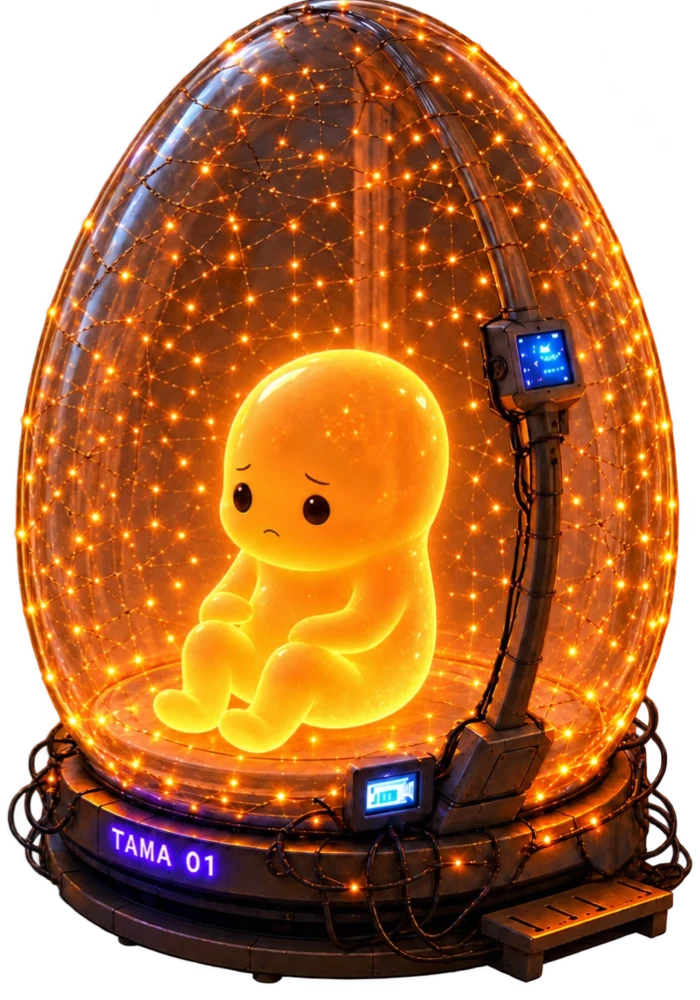
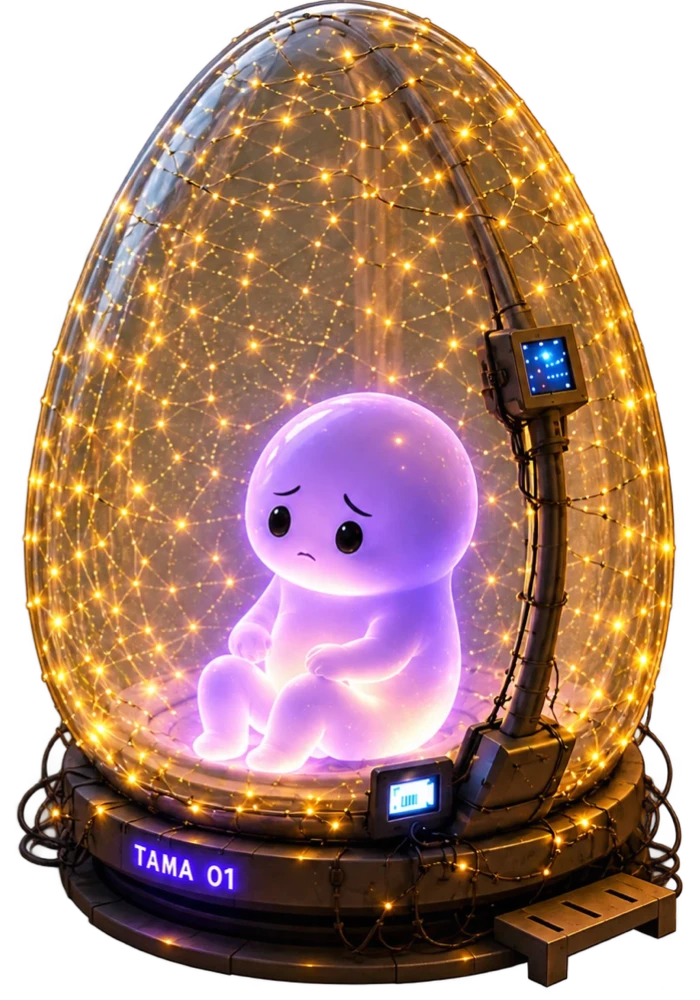

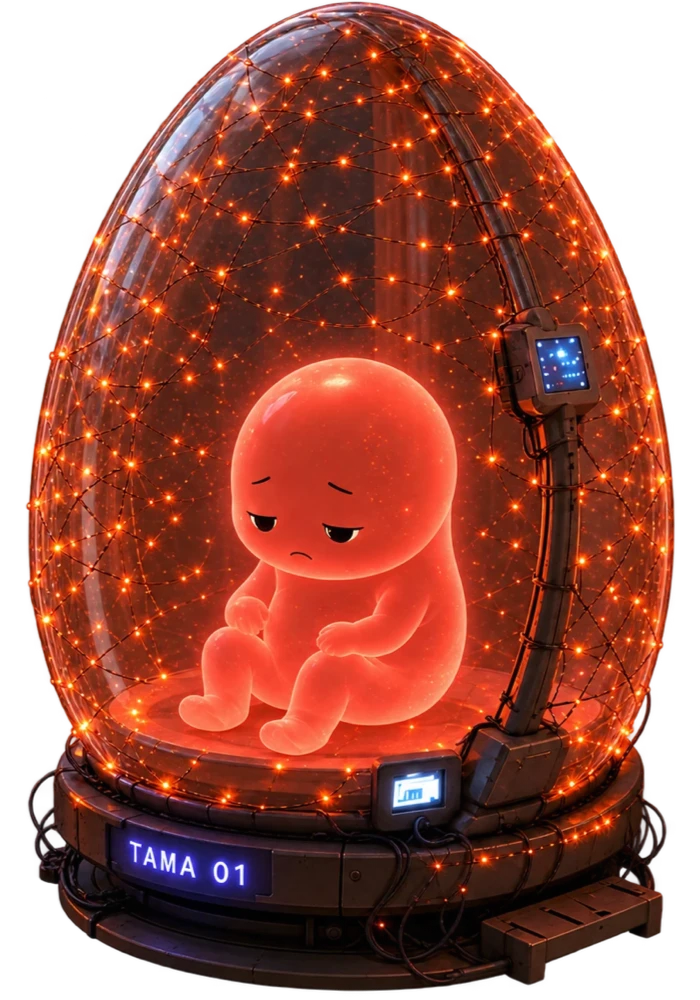

Thriving
You're doing great today.
Why
It always tells you why.
Every mood comes with a line naming the reading behind it — never a verdict on you. And when one face isn't enough, a second clause says the rest.
Exhausted, and worked hard
Last night was short on good sleep.
Stressed
Your heart has been running fast today.
Agitated
You've spent a long time on your phone today.
Hungry
You haven't eaten much for this time of day.
Vitals
Three vitals, measured against you.
Energy, Comfort and Health sit under the mood. Each is judged against your own baseline — your usual sleep, your own fortnight of heart rate and steps — not a chart for everyone.
Energy
62What last night left you, less what the day has taken back — hours awake against your own usual day, and effort past your own goals.
Comfort
74How your body feels right now: water, food, rest, a heart that won't settle, screen time, whether you're coming down with something, and how much of the day is left in you.
Health
81Taking what you should, sleeping enough and moving — and whether your overnight readings look like your body is fighting something.
Switch a tracker off and its weight moves to the rest. Nothing counts against you for not being measured.
Tama
Based on what I can see
- How did I sleep?
- Six hours ten, and less deep sleep than you usually get — that's most of why I look tired. An early night would do more for tomorrow than a second coffee.
You can ask
- Why am I stressed?
- How did I sleep?
- What should I eat?
- How am I moving today?
Chat
Ask Tama about your day.
Tama answers with today's readings in front of it — how you slept, what your heart did, what you've eaten. The readings go with your question and aren't kept, and the conversation follows you between your phone and the web.
Around the day
The rest of your day, if you want it.
Optional, and only if you want them. Each one you switch on gives Tama more to go on.
Medication
A reminder for every dose, scheduled on your phone. Medications you already keep in the Health app show up too.
Meals
Log a meal and it's saved to Apple Health with its macros, so it counts everywhere — not only in Tama.
Screen time
See which apps your day went to and set a budget. Tama shows the breakdown but can't read it — Apple keeps it sealed.
Widgets
Your companion, on your Home Screen.
Small, medium and large widgets show the mood, the line under it and your vitals. The room follows the clock — lit by the window during the day, by the lamps at night.

Your health data stays on your phone.
Sleep, heart rate and activity are read from Apple Health and never uploaded — they already follow you between your own devices through iCloud. Your account only keeps what Health has no place for: medications you add in Tama, which trackers are on, your name and your conversations.
Meet your companion.
Join early access for iPhone, or open Tama on the web with the same account today.